Thermal transfer printer: when do you need a ribbon?
Published 28 October 2026 · vaivatta.
A thermal transfer printer prints a label with the help of a ribbon, and the print lasts a long time. This guide explains when to choose one over a direct thermal printer and what to know about choosing the ribbon.
How a thermal transfer printer works
The print head heats the ribbon, and the ribbon's colour melts onto the label surface. The label does not need to be heat-sensitive, so the printer can use paper, plastic and polyester labels. Most thermal transfer printers also print in direct thermal mode when you leave the ribbon out and use direct thermal labels.
Direct thermal and thermal transfer side by side
| Feature | Direct thermal | Thermal transfer |
|---|---|---|
| Ribbon | Not needed | Needed |
| Print life | Fades in light and heat | Withstands light, heat and abrasion |
| Label materials | Heat-sensitive paper | Paper, plastic and polyester |
| Typical use | Shipping labels and short-lived price labels | Product, shelf, asset and warehouse labels |
When thermal transfer pays off
- The label must last a long time, for example as an asset or shelf marking.
- The label is outdoors, in the cold or exposed to abrasion.
- You use plastic or polyester labels.
For shipping labels and short-lived markings, direct thermal is enough, and it is cheaper because no ribbon is needed.
Choosing the ribbon
There are three main ribbon types. Wax ribbon suits paper labels, wax-resin ribbon resists abrasion better, and resin ribbon is meant for plastic and polyester labels that must withstand, for example, chemicals. The ribbon's width and winding direction must match the printer, so check them in the printer's specifications.
Desktop or industrial printer
A desktop printer, such as the Zebra ZD421t or Bixolon SLP-TX420, suits a shop or a small warehouse. An industrial printer, such as the Zebra ZT411 or Citizen CL-S700III, takes larger rolls and stands printing all day. Choose 300 dpi when the label has small text or small 2D codes.
Thermal transfer printers in the range
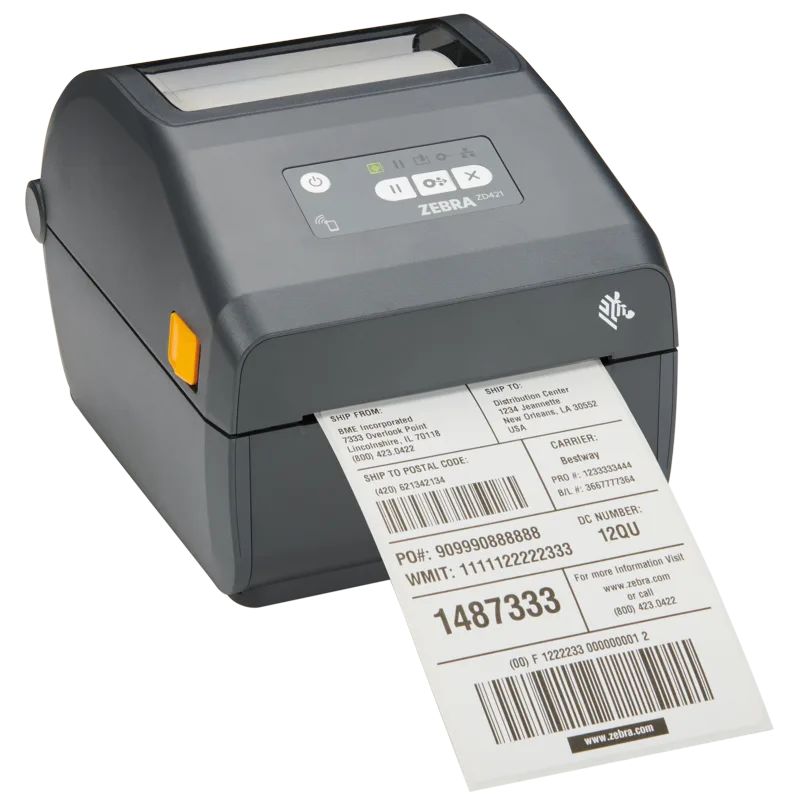
Zebra ZD421t Label Printer, 300 dpi, Thermal Transfer, Ethernet, BLE
€634.90
incl. VAT 25.5% €505.90 excl. VAT
In stock
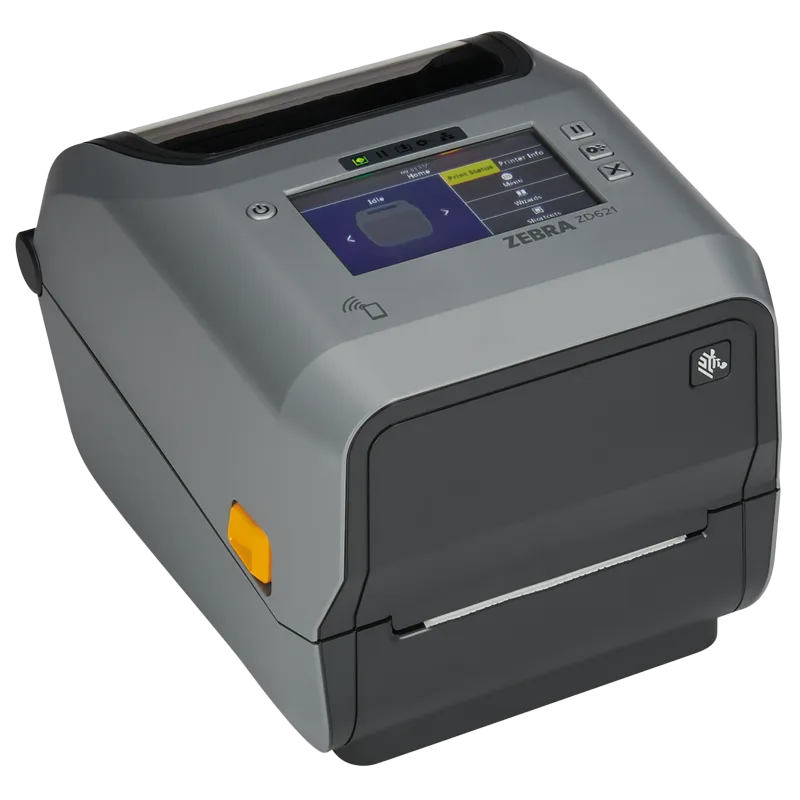
Zebra ZD621t label printer, thermal transfer, Ethernet, USB, RS232, BT, grey
€579.90
incl. VAT 25.5% €462.07 excl. VAT
In stock
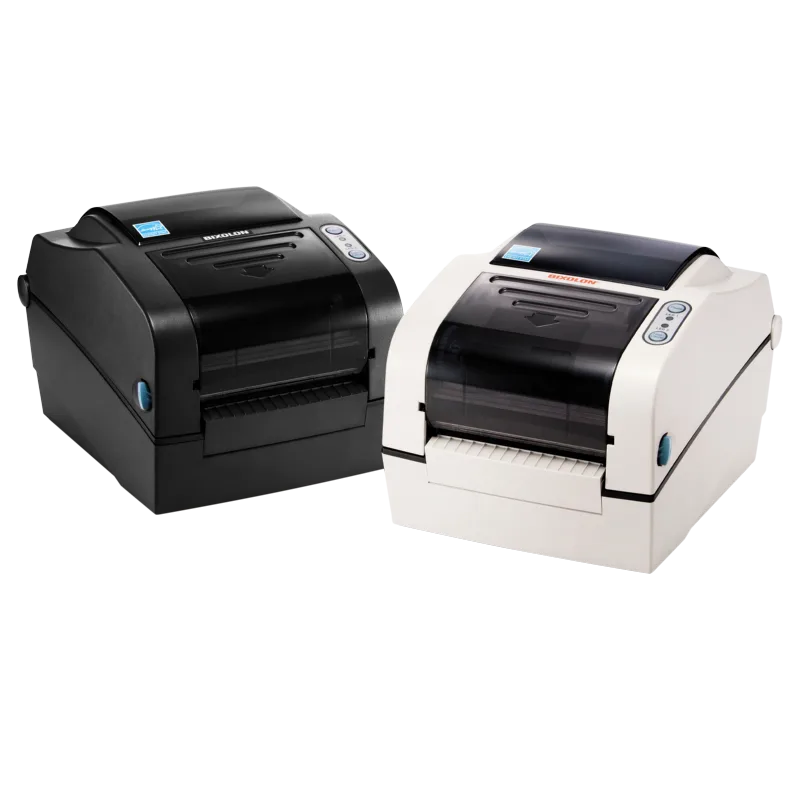
Bixolon SLP-TX420 label printer, thermal transfer, Ethernet, dark grey
€369.00
incl. VAT 25.5% €294.02 excl. VAT
In stock
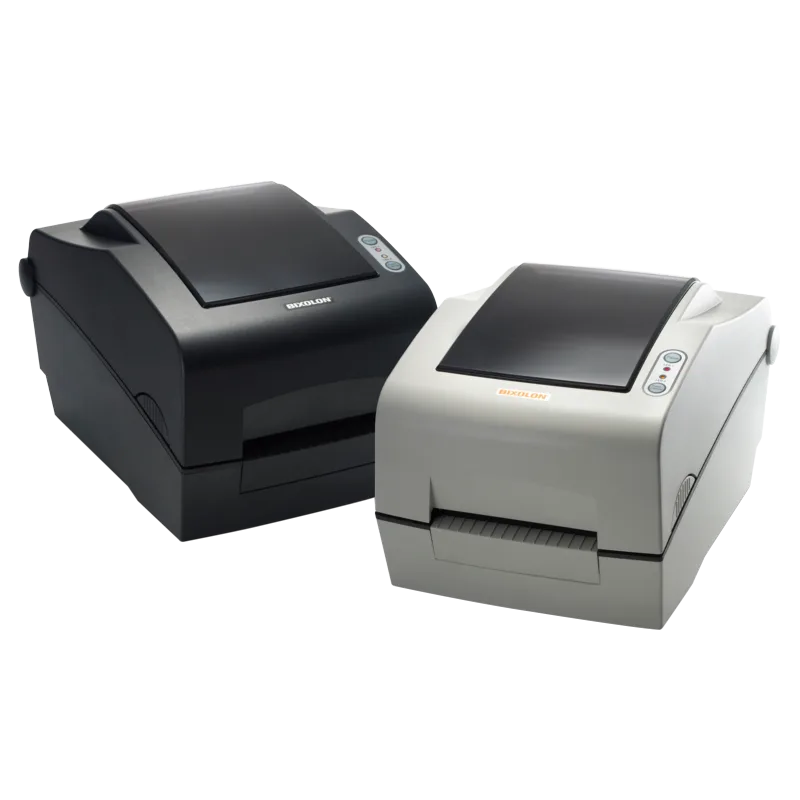
Bixolon SLP-TX400 Label Printer, Thermal Transfer, 203 dpi, Ethernet, Dark Grey
€777.47
incl. VAT 25.5% €619.50 excl. VAT
In stock
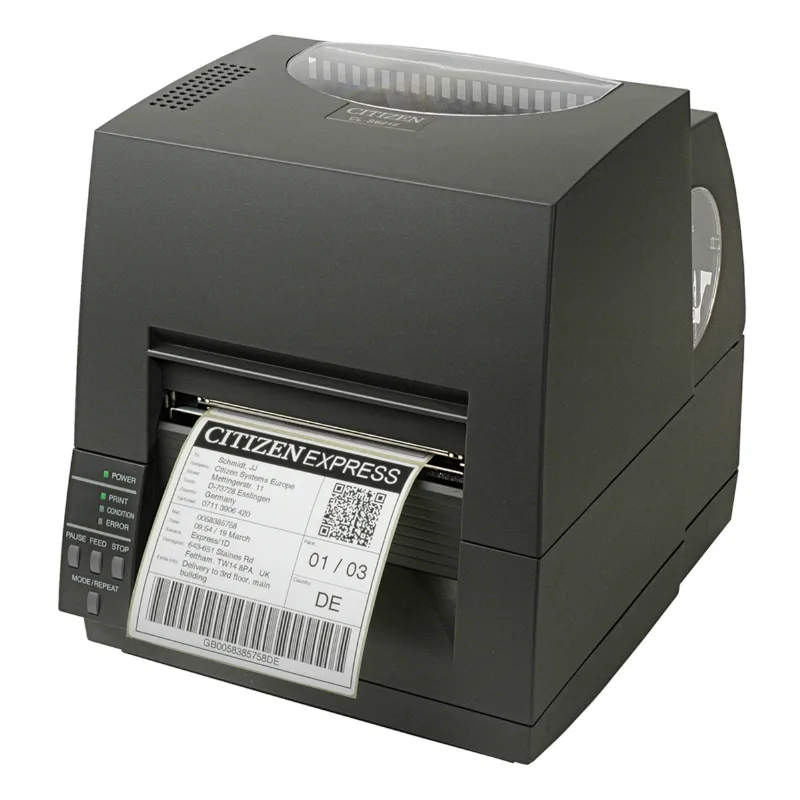
Citizen CL-S621II label printer, 203 dpi, thermal transfer and direct thermal, USB and RS232
€664.90
incl. VAT 25.5% €529.80 excl. VAT
In stock
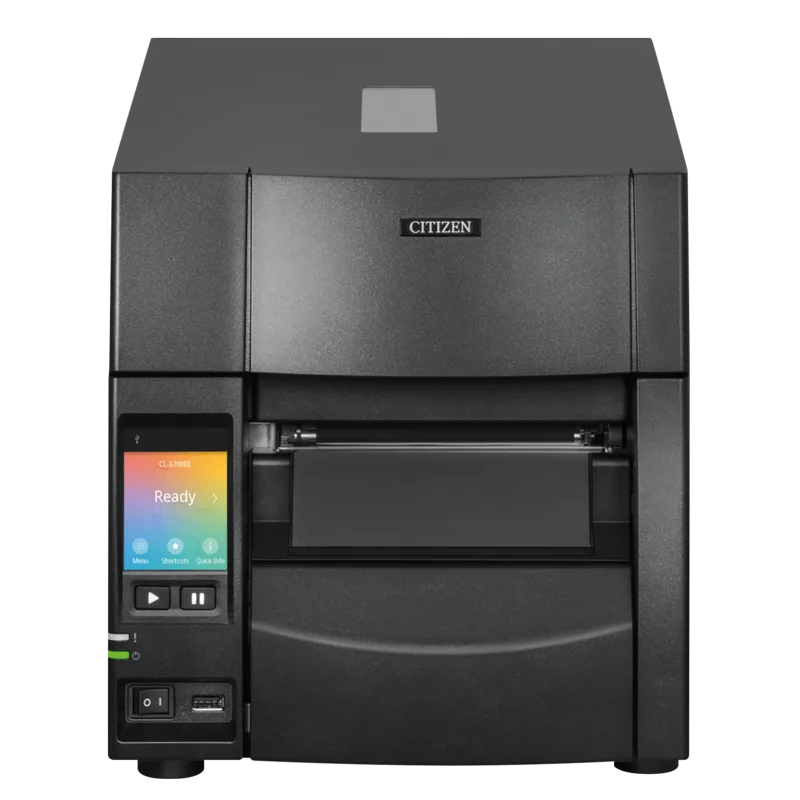
Citizen CL-S700III Industrial Label Printer, Thermal Transfer, USB/Ethernet, Black
€1,349.00
incl. VAT 25.5% €1,074.90 excl. VAT
In stock
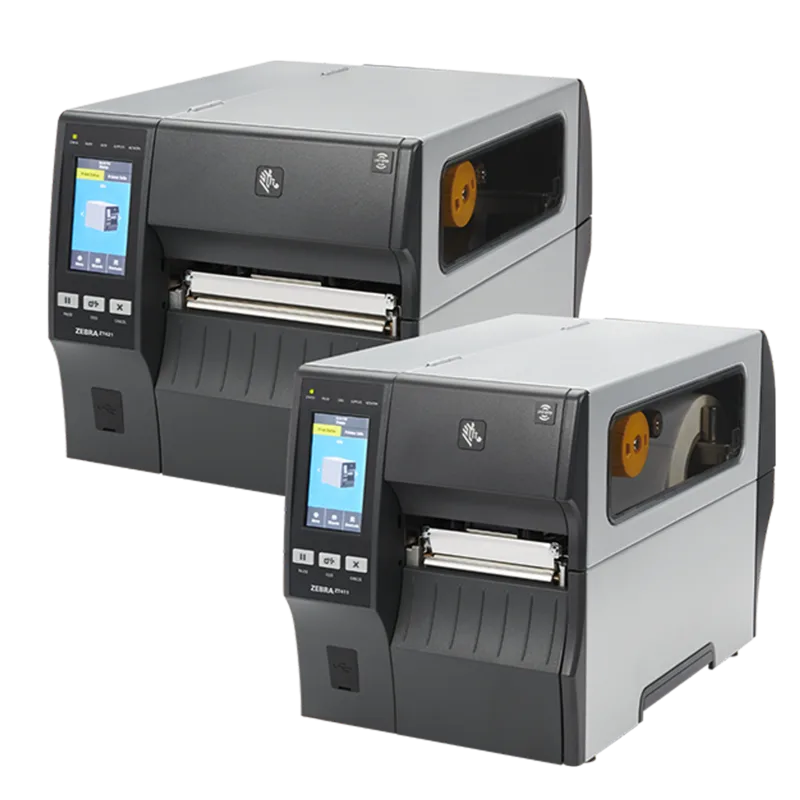
Zebra ZT411 Industrial Label Printer, Thermal Transfer, Peeler, Colour Display, Ethernet
€1,744.90
incl. VAT 25.5% €1,390.36 excl. VAT
In stock
-
Zebra ZT421 Wide Label Printer, Peeler, Full-Roll Rewind, Thermal Transfer
€3,524.91
incl. VAT 25.5% €2,808.69 excl. VAT
In stock
Frequently asked questions
Does a thermal transfer printer always need a ribbon?
Thermal transfer printing needs a ribbon. Most models also print in direct thermal mode without a ribbon when you use direct thermal labels.
Does a thermal transfer label withstand sunlight?
Much better than a direct thermal label. The choice of ribbon and label material affects how long it lasts.
Is a thermal transfer printer the same as a label printer?
It is one type of label printer. The other common type is the direct thermal printer.