A POS system for a small business: three setups
Published 7 November 2026 · vaivatta.
A till today is rarely one device. Usually it is a card terminal, a tablet or POS terminal, a receipt printer and a cash drawer working together. We put together three setups by where you sell. The price of each device is on its product card.
Three setups
| Where you sell | Till | Printer | Cash drawer |
|---|---|---|---|
| Pop-up, market, food truck | Phone and card terminal (e.g. SumUp or Zettle) | Mobile printer | Usually not needed |
| Small café or kiosk | Tablet on a stand and card terminal | Receipt printer at the till | Connects to the printer |
| Restaurant with a kitchen | POS terminal and POS system (e.g. Sentiami) | Receipt printer and kitchen printer | Connects to the printer or terminal |
1. Pop-up, market or food truck
When you sell on the move, the till is your phone: the card terminal app handles the sale, and a mobile printer prints the receipt into the customer's hand. The printer goes with you on a belt clip.
Mobile printer
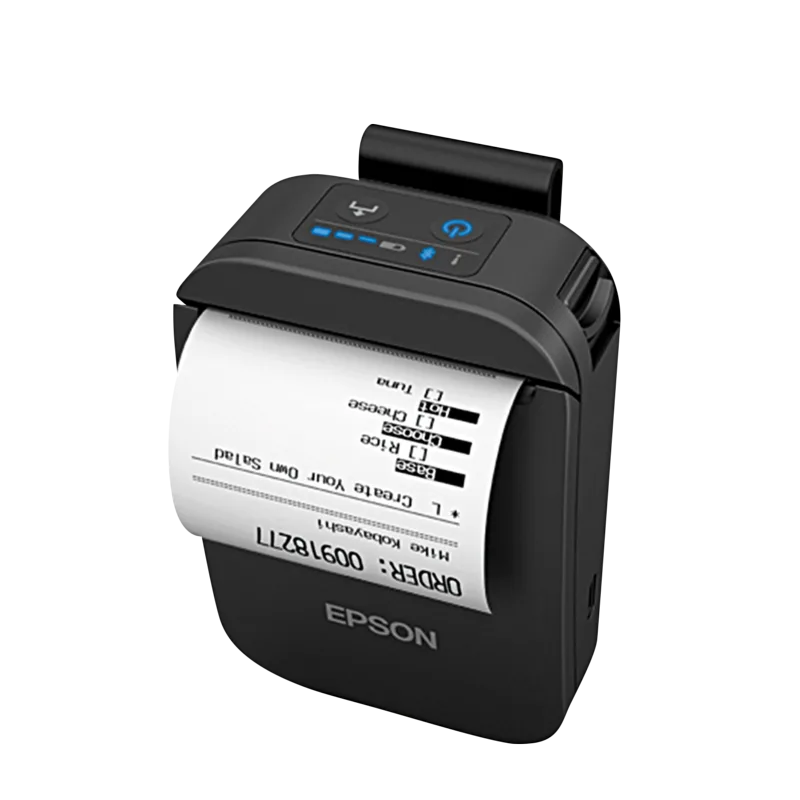
Epson TM-P20II Mobile Receipt Printer, 203 dpi, USB-C, Bluetooth
Special order
€314.90
incl. VAT 25.5% €250.92 excl. VAT
2. Small café or kiosk
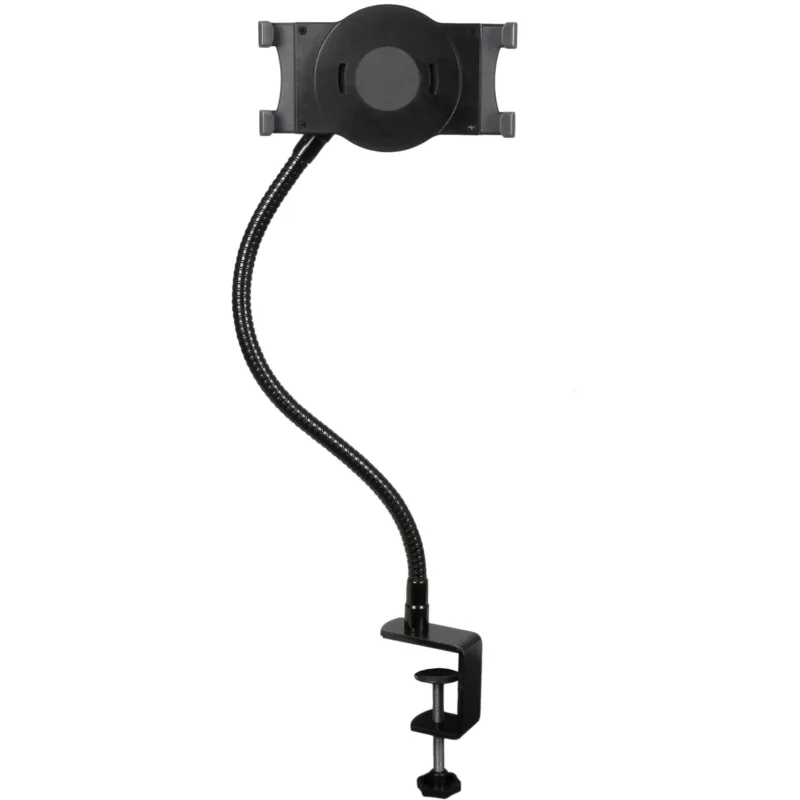
A tablet on a stand is the till, and the card terminal app runs on the tablet. The receipt printer sits at the till, and the cash drawer connects to the printer, which opens the drawer when the receipt prints. Which devices work with SumUp and Zettle is in our SumUp and Zettle guide (linked at the end of this page).
Café till
 New
StarTech.com ARMTBLTUGN gooseneck tablet holder, desk clamp, 7-11", black
In stock
€69.90
incl. VAT 25.5% €55.70 excl. VAT
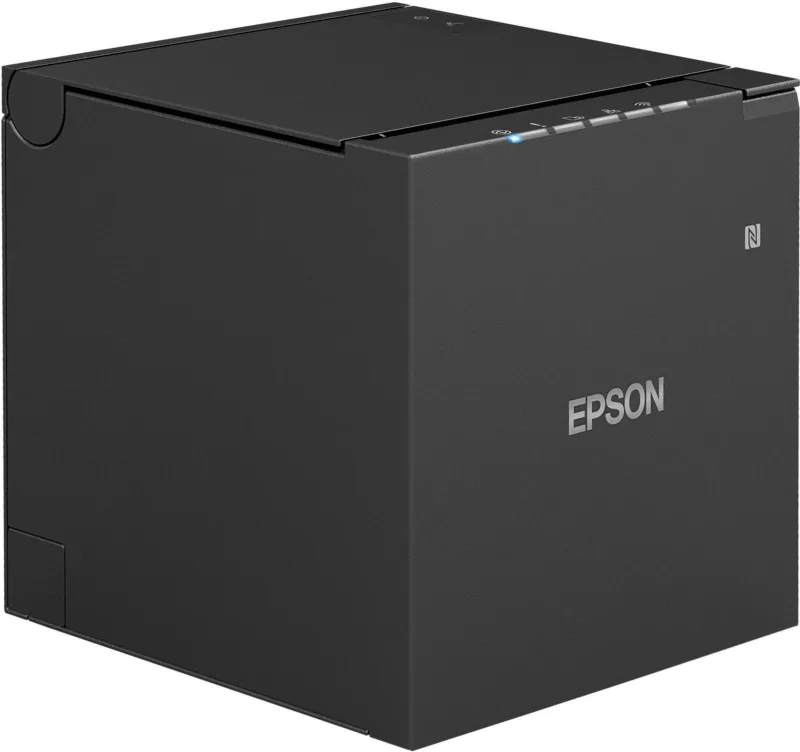
Epson TM-m30III receipt printer, USB-C and Ethernet, black
Special order
€272.90
incl. VAT 25.5% €217.45 excl. VAT
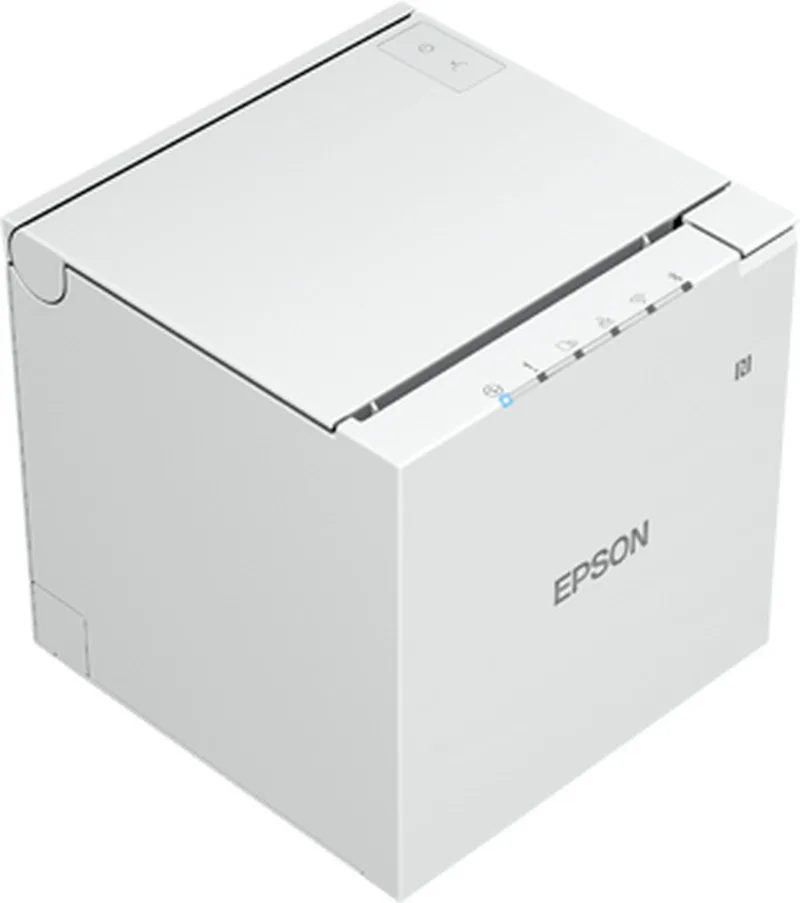
Epson TM-m30III receipt printer, USB-C, Bluetooth, Ethernet and Wi-Fi, white
Special order
€338.90
incl. VAT 25.5% €270.04 excl. VAT
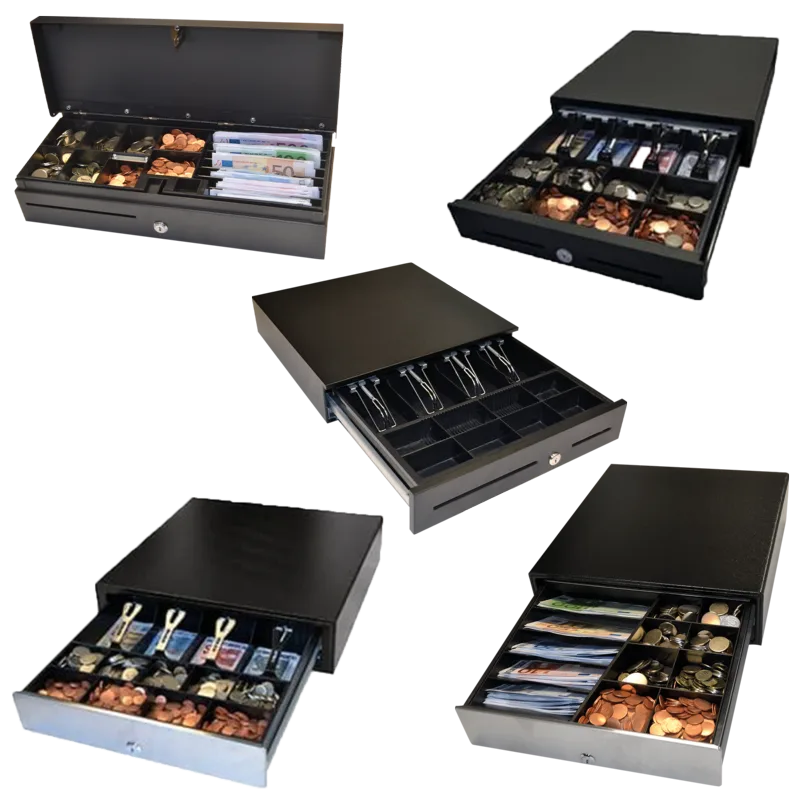
APG ECD330 Cash Drawer, 5 Notes / 8 Coins, RJ11, Black
In stock
€89.36
incl. VAT 25.5% €71.20 excl. VAT
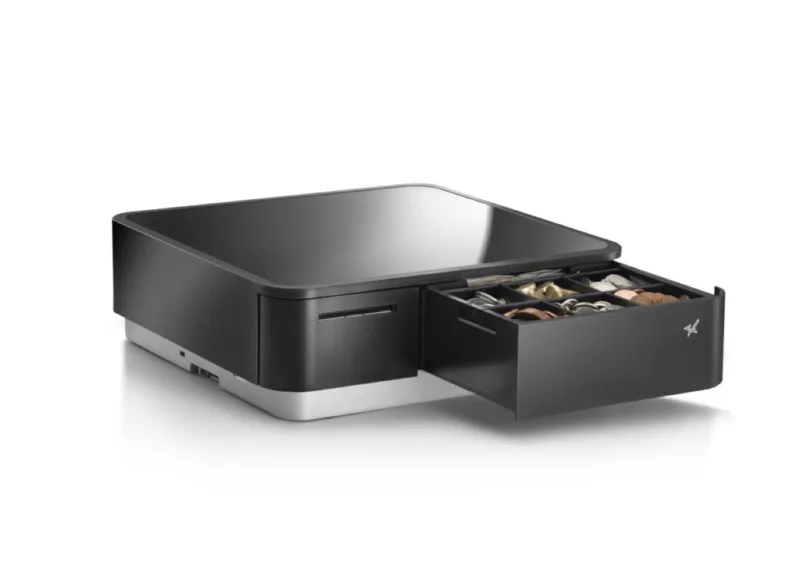
Star mPOP Cash Drawer & Receipt Printer, USB-C, Bluetooth, Black
In stock
€829.48
incl. VAT 25.5% €660.94 excl. VAT
3. Restaurant with a kitchen
When orders have to reach the kitchen, you need a POS system that prints a ticket in the kitchen. Sentiami is our own POS and ordering system: it runs in the browser on a tablet, laptop or POS terminal, splits the bill evenly or by line, and routes kitchen tickets to the right stations. QR table orders and Wolt land in the same list.
Restaurant till

Sentiami POS & Orders
from €74.05 / month
incl. VAT 25.5% €59.00 excl. VAT
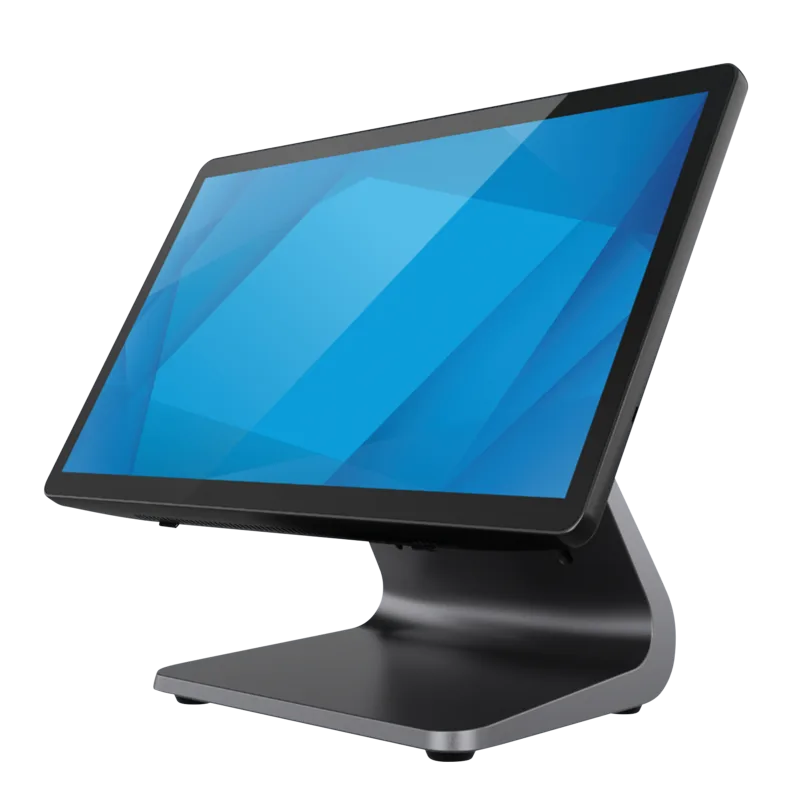
Elo E-Series 3 15.6" POS Terminal, Intel Celeron, SSD, Windows 11 IoT, Black
In stock
€1,538.63
incl. VAT 25.5% €1,226.00 excl. VAT
-
Epson TM-m30III receipt printer, USB-C and Ethernet, black
Special order
€272.90
incl. VAT 25.5% €217.45 excl. VAT
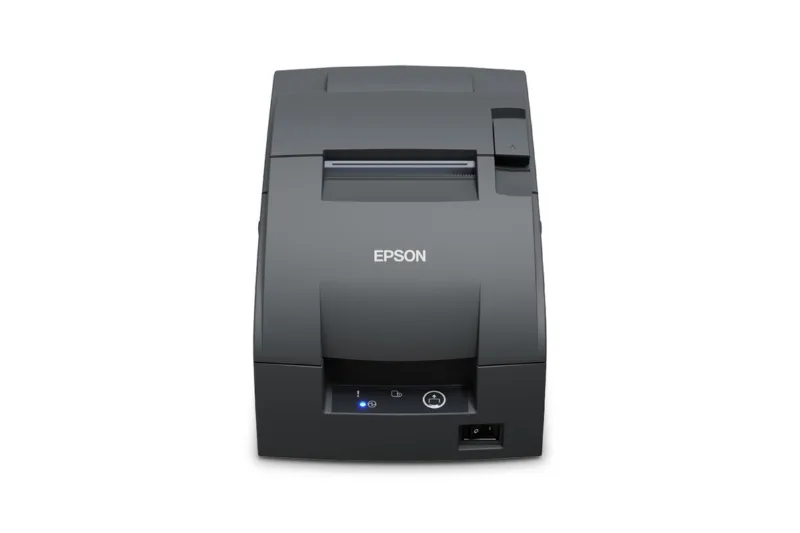
Epson TM-U220IIB kitchen printer, cutter, Ethernet
In stock
€479.90
incl. VAT 25.5% €382.39 excl. VAT
Frequently asked questions
What is the difference between a till and a POS system?
A till usually means one device that adds up the sale and prints a receipt. A POS system is software and devices together: it keeps track of sales and products and can route orders to the kitchen.
How much does a POS system cost?
It depends on the setup. The price of each device is on the product cards on this page, and Sentiami's monthly fee is on its own page. Ask for a quote and we price the whole till.
Do I need a cash drawer?
If you take cash, yes. For card and mobile payments you do not need one.
Can I start small and grow later?
Yes. A mobile printer and a card terminal get you started, and you can add a fixed receipt printer, a cash drawer or a POS system as sales grow.